

All-in-One Trucking Software: Why a Small Fleet Should Stop Stitching Tools Together
All-in-one trucking software for a small fleet means dispatch and the driver app come from one vendor. Here is why that beats stitching point tools together.
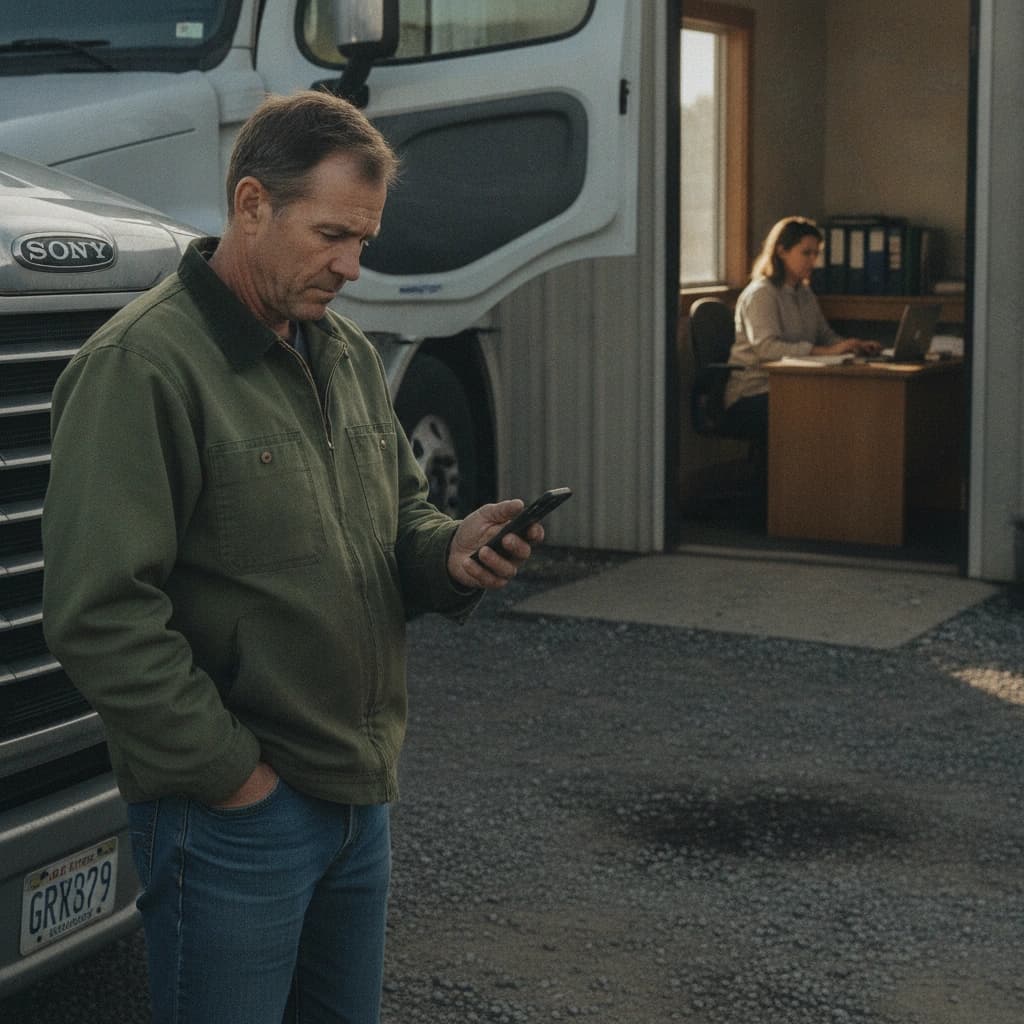
Most small fleets do not run one system. They run six. A spreadsheet for the loads, a group text for the drivers, a phone camera for the paperwork, a separate GPS app to find a truck, email for the rate cons, and the dispatcher's memory for everything that falls through the cracks. Each tool works fine on its own. None of them talk to each other.
That is the gap "all-in-one trucking software" is supposed to close. For a small fleet it means something specific: the dispatcher's board and the driver's phone are two ends of the same system, from one vendor, instead of separate tools you bolt together and babysit. A load you assign in the office shows up on the driver's app. The photo the driver takes at the dock lands back on that load automatically. Nobody retypes anything.
This is not a market-timing argument. It is an operational one. With operating costs still elevated and brokers running 30 to 45 day terms in 2026, a small carrier cannot afford the quiet leakage that disconnected tools create. Every seam between two systems is a place a load, a document, or an hour goes missing.
What "all-in-one trucking software" actually means for a small fleet
Start with the plain definition, because the phrase gets thrown around loosely.
All-in-one means dispatch and the driver app are one connected system from one vendor. Not a dispatch tool plus a separate driver app you integrate. Not a TMS with a third-party tracking bolt-on. One platform where the office side and the cab side were built to share the same data.
The alternative is the stack most fleets actually live in today:
- A spreadsheet or whiteboard for the load board
- A group text or personal phone calls to assign and update drivers
- The driver's camera roll for BOLs and PODs
- A consumer GPS or phone-sharing app to see where a truck is
- Email for rate confirmations from brokers
- The dispatcher's head for the rest
It is not that any one of these is broken. It is that the handoffs between them are manual, and manual handoffs are where the day leaks.
The hidden cost of stitching point tools together
The cost of a stitched stack rarely shows up as one big failure. It shows up as a hundred small frictions that add up to a long day.
Double entry. The same load gets typed into the spreadsheet, again into a text to the driver, and a third time when it is invoiced. Three chances to fat-finger a pickup number or a rate. The dispatcher becomes a data-entry clerk for information that already existed in the rate con.
Lost paperwork. A BOL or POD that lives only in a driver's personal camera roll is one cracked screen or one new phone away from gone. When a broker disputes an invoice three weeks later, the proof is buried in a photo stream between a kid's birthday and a gas receipt.
No single source of truth. The dispatcher is looking at the spreadsheet. The driver is looking at a text from this morning. The two versions of the same day have already drifted apart by 10 a.m., and the phone calls to reconcile them are the job nobody scheduled.
Picture a typical week. A broker tenders a dry van load, Dallas to Memphis, 450 miles at 2.10 a mile. The rate con hits email, the dispatcher retypes it into the board, texts the driver the pickup and the appointment time, and moves on. The driver runs it clean, snaps a BOL at pickup and a POD at delivery on his phone, and the load closes. Three weeks later the broker short-pays on a detention claim and asks for the signed POD. Now someone is scrolling a driver's camera roll on a Friday afternoon for a photo from a load nobody remembers by name. The money was earned on the road. It gets lost in the seams.
None of this is dramatic. That is exactly why it is expensive. It is invisible until you add it up.
What changes when dispatch and the driver app share one system
When the office and the cab run on the same platform, the handoffs that used to be manual become automatic.
A load you create and assign in HQ pushes straight to the driver's iOS app as a notification. No copy-paste into a text, no "did you get my message." The driver sees the stop, the truck, and the assignment on the same screen they work from all day.
The pickup and delivery photos the driver takes attach to that load automatically and are visible back in HQ. The POD is not in a camera roll. It is on the load, where the person handling the invoice can find it in seconds.
Continuous GPS shows the truck on the HQ live map without anyone asking the driver where he is. The "where are you" call, repeated a dozen times a day across a fleet, mostly disappears. The dispatcher already knows.
That is the whole point of one connected system. The information moves with the work instead of waiting for a human to carry it across a seam.
Integrated vs stitched: an honest comparison
Here is how the two approaches stack up on the things a dispatcher actually feels every day.
| What happens | Stitched point tools | All-in-one platform |
|---|---|---|
| Load handoff | Retyped into a text or call | Pushes to the driver app on assignment |
| Document capture | Driver's personal camera roll | Photo attaches to the load, visible in HQ |
| Truck visibility | "Where are you" calls, a separate GPS app | Continuous GPS on the HQ live map |
| Double entry | Spreadsheet, text, invoice, all by hand | Entered once, carried through |
| Who chases what | Dispatcher chases drivers and paperwork | The system surfaces it, dispatcher reviews |
The difference is not features for the sake of features. It is how much of the dispatcher's day is spent moving information by hand versus actually managing the operation.
What a small fleet actually needs on day one, and what is overkill
It is easy to over-buy. A small fleet does not need every module a 500-truck operation runs. Here is the honest split.
What you need on day one:
- Load creation, by hand or by attaching the broker rate con
- Driver and truck assignment from your own lists
- A push to the driver's app so the assignment lands without a phone call
- One-tap pickup and delivery with a photo, so the proof is captured at the dock
- Live GPS so you can see the fleet without calling
- Per-load document access, so the BOL and POD are where the load is
What is not day-one, and what we will say plainly Howdy does not ship today:
- Factoring or send-to-factor integration
- ELD or telematics integration
- A driver payroll or invoicing module
Those are real needs for some carriers, and several are on the roadmap, but a small fleet getting off spreadsheets does not need them to feel the difference on Monday. Be skeptical of any vendor that insists you buy the whole tower to fix the load board. When the quotes come in, put them on the same footing: cost per truck per month at your real size, plus a full year of setup, per-load, and add-on fees. Our dispatch software pricing guide shows that math step by step.
How Howdy Dispatch is built for this
Howdy Dispatch is a two-sided platform on purpose. There is a dispatcher web HQ and a native iOS driver app, both from the same vendor, so the office and the cab stay in sync without an integration project. If you want to see the two sides together, that is the AI dispatch platform built on both sides.
What is live today, and only what is live: you can create a load by hand or attach a broker rate confirmation, assign a driver and truck from your pre-loaded lists, and push that assignment to the driver's iOS app as a notification. The driver does a one-tap pickup and delivery with photo capture, the photos attach to the load, and continuous GPS shows the truck on the HQ live map. Every load carries its own document gallery, so the paperwork is on the load, not in someone's pocket. Billing runs through Stripe with a 14-day trial.
There is one piece of AI in the platform, and we name it specifically rather than waving at "AI-powered dispatch": Howdy parses your broker rate confirmations and pre-fills the load in seconds, turning five to ten minutes of typing into about 20 seconds of review. The dispatcher still reviews and saves. The AI removes the typing, not the judgment.
If you are tired of stitching a spreadsheet, a group text, and a camera roll into something that resembles a system, that is the gap we built Howdy to close.
The full list of what is actually in the platform today, dispatch board, driver app, GPS, and per-load paperwork, is on the features page.
Start a 14-day free trial and run a few real loads through it before you decide. No card to look around.
READ NEXT
Q4 Peak Season 2026: A Small Carrier's Dispatch Plan
Q4 peak season for a small carrier in 2026: trucks are short, ratios are up, and diesel peaked at $6.53. What a 5 to 20 truck fleet changes in dispatch now.
Driver GPS Tracking Off Duty: Where the Map Should Go Dark
Driver GPS tracking off duty costs a small fleet trust and clean data. A shift clock that turns the map off at clock-out keeps both. Here is how to set it up.