

How to Cut Check Calls in a Small Trucking Fleet
Check calls eat a dispatcher's day. How small fleets of 1 to 50 trucks cut them by getting load status from the driver app instead of the phone.
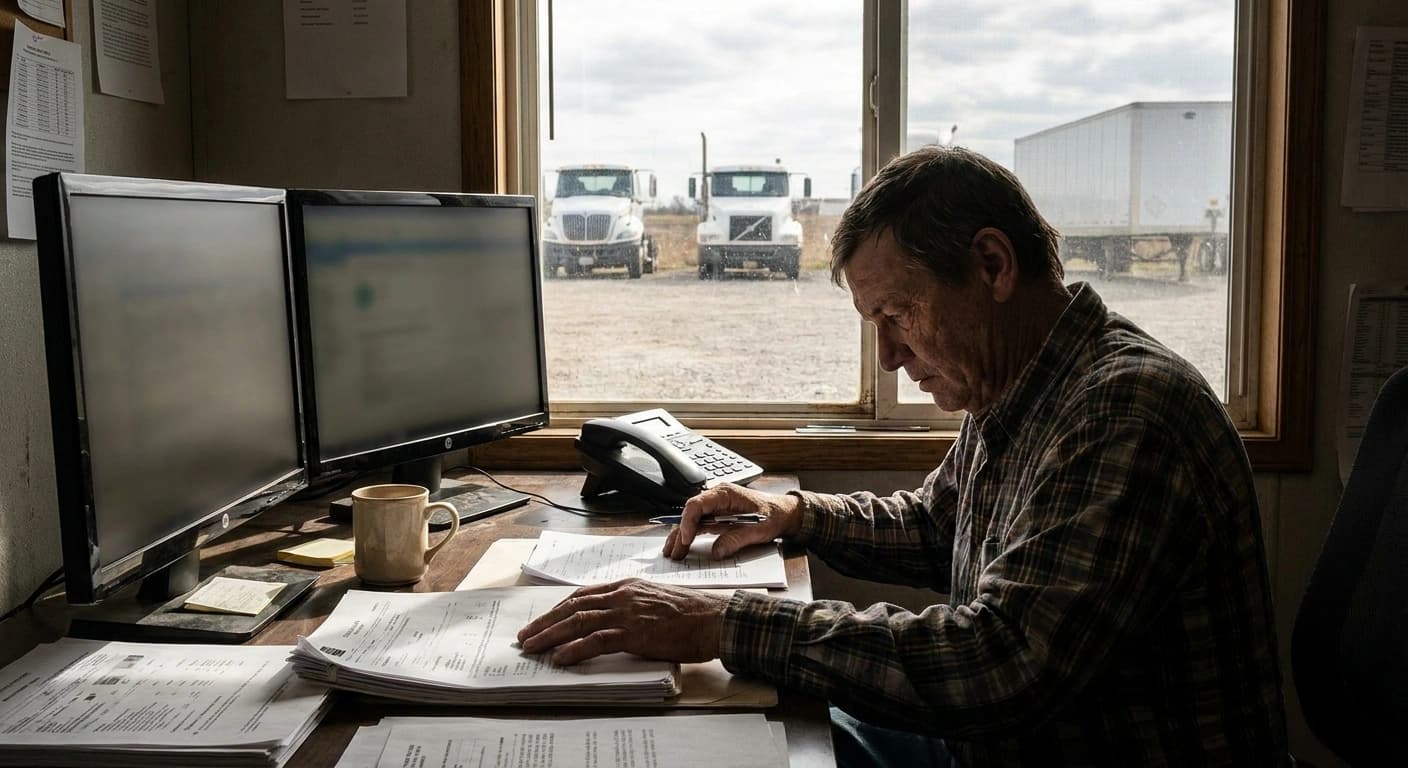
You cut check calls by getting the answer to "where is it and what happened" from events the driver already creates, not from the phone. When pickup, delivery, location and problems show up on the dispatcher's screen the moment they happen, most status calls have nothing left to ask. The calls that remain are the ones that actually need a human.
That sounds simple. It is not, because a check call is a habit on both ends of the phone, and software only removes the calls it can answer better than a voice.
What is a check call, and why does it cost a small fleet so much?
A check call runs in two directions. The dispatcher calls the driver to find out where the truck is, whether it loaded, and whether the receiver has unloaded it yet. Then the broker calls the dispatcher to ask the exact same questions, usually right after the dispatcher hung up with the driver.
Picture a 12-truck dry van fleet with one dispatcher. A broker has a load running Dallas to Memphis, about 450 miles, delivering at 7 in the morning. At 3 in the afternoon the broker calls for an ETA. The dispatcher is halfway through negotiating tomorrow's reload out of Memphis, so they put that call on hold, text the driver, wait for him to pull over or pick up hands-free, get "should be there tonight," and call the broker back.
Nothing in that loop is hard. All of it is interruption. In a small fleet the dispatcher is the one person covering the next load, and every check call pulls them off it. The real cost is not the four minutes on the phone. It is the reload that went to another carrier while they were on it.
Multiply that by twelve trucks, several brokers per week, and a receiver or two who also wants updates, and the dispatcher's day becomes a status desk instead of a sales desk.
Which check calls can software actually remove?
Not all check calls are the same. Sort them by the question being asked, and most fall into four buckets:
- Status questions. Did it load? Is it rolling? Did it deliver? These map cleanly to driver events: tapping pickup and tapping delivery.
- Location questions. Where is the truck right now? A live map answers this when GPS is running.
- Paperwork questions. Did you get the BOL? Is there a delivery photo? The answer is the photo already attached to the load.
- Exception questions. Is something wrong? A breakdown, an accident, or a roadside stop should arrive as a report, not be discovered by calling a driver who did not pick up.
The first three are pure information. If the information is already on the dispatcher's screen, the call does not need to happen. The fourth matters most, because the expensive check call is the one where the dispatcher finds out about a problem two hours late.
What software cannot remove is a driver who never taps anything. A status the driver forgets is a check call you still make. That is why the test for any tool is how little the driver has to remember, not how many features sit in the office.
Which check calls should you keep?
Some calls are worth keeping, and pretending otherwise sets the wrong expectation for your team.
- Brokers who want a voice on a hot load. Some shippers and brokers want a human on the phone for time-critical freight, no matter what you can show them. That is a relationship call, not a status call.
- A new driver's first week. Until you know how a driver runs, a quick call at pickup and delivery is cheap insurance.
- A load with a problem already flagged. Once an incident is reported, the call is how you solve it.
Here is the honest line on Howdy Dispatch: it does not send automatic tracking updates to brokers. What changes is the order of operations. When the broker calls, the dispatcher answers from the screen in seconds instead of calling the driver first. One call instead of three, and the driver stays focused on driving. If you are working on what to tell brokers and when, our post on keeping brokers updated on ETAs goes deeper.
How does Howdy Dispatch handle load status without the phone?
Howdy Dispatch is an AI dispatch platform built on both sides: a web HQ for the dispatcher and an iOS app for the driver, sharing one record per load. That matters for check calls, because the answer to the question has to start on the driver's side and land on the dispatcher's.
Here is what is live today and which call each piece answers:
- Push on assignment. The driver gets a push notification when a load is assigned, so "did you see the load I sent" stops being a call.
- One-tap pickup with a load photo. The driver taps pickup and attaches a load photo; the status changes in HQ. A manifest photo can go on the load too.
- One-tap delivery with a delivery photo. Same idea at the receiver. "Is it delivered" and "do you have the paperwork" get answered together.
- Live GPS on the HQ map. Continuous tracking that keeps running when the phone screen locks, and only while the driver is on the shift clock, so off-duty drivers do not ping dispatch.
- Incident reports with photos. Accidents, breakdowns, a pulled-over stop, cargo damage and more, reported from the driver app with photos and pushed to every dispatcher, admin and owner.
- The stale-pending chip. A red chip on the HQ jobs page flags a load that has waited more than 15 minutes or has an unresolved incident, so the dispatcher knows which call is worth making.
- Offline outbox. A status tapped in a dead zone queues on the phone and sends when it reconnects, instead of vanishing.
- Detention timer. Pickup and delivery wait time is recorded against the appointment window. It records the wait; it does not bill detention.
Every load keeps its rate confirmation, load, manifest and delivery photos in one place in HQ. You can see the full list of the dispatcher and driver tools in Howdy Dispatch.
What it does not do matters just as much. Howdy Dispatch is not an ELD. It does not optimize routes, does not dispatch or accept loads on its own, does not message brokers, and does not bill detention. The dispatcher and the driver stay in charge. The software just stops them from having to call each other for facts.
If you want the bigger picture on why the driver side has to exist at all, we wrote about why dispatch software needs a driver app on the other side.
What should you check on a demo before you trust a vendor's check-call claim?
Plenty of dispatch software promises fewer check calls. Very little of it shows you how. Before you believe the claim, test it:
- Watch a status travel. Have a driver tap pickup on a phone and watch how long it takes to show on the dispatcher's screen. If it takes a refresh and a prayer, the dispatcher will still call.
- Kill the signal. Ask what happens when the driver taps delivery with no service. Does it queue and send later, or does it fail quietly?
- Count the driver's steps. Ask what the driver has to remember to do at pickup and delivery. Every extra screen is a step that gets skipped at 4 in the morning.
- Ask about exceptions. How does a breakdown reach the office, and who gets notified? If the answer is "the driver calls," that is not an exception workflow.
- Treat percentages as the vendor's own number. A claim like "X percent fewer check calls" means nothing unless the vendor shows how they measured it and on whose fleet.
The best demo is a real one. Run your own loads, with your own drivers, for a week. Our guide to fleet visibility for a small trucking company covers what to look for on the map side of that test.
Check call FAQ
How many check calls are normal per load? There is no reliable industry number for this, and it varies a lot by broker, lane and load type. A short regional run with a relaxed broker might need none. A hot load into a tight appointment window might get several calls no matter what. Track your own count for two weeks before and after any change.
Will drivers actually use the app? They will if it is faster than answering the phone. Pickup and delivery are one tap plus a photo, which is less work than pulling over to talk. A new driver still needs a walkthrough, and the first week is when you find out who taps and who does not.
Does live GPS replace check calls? Only the "where is it" ones. A dot on a map does not tell you the truck loaded, that the receiver unloaded it, or that the driver is sitting at a dock with a problem. Status and exceptions still need driver events.
Does Howdy Dispatch update brokers automatically? No. The dispatcher answers from HQ with the status, location and photos already on the load. That still turns a three-call loop into one call.
Is Howdy Dispatch an ELD? No. It is dispatch software with a driver app. It is not an ELD, a freight broker or a compliance product.
Check calls do not disappear because you tell people to stop calling. They disappear when the answer is already on the screen before anyone thinks to ask. Howdy Dispatch is built for fleets of 1 to 50 trucks, and we set you up within 48 hours. Start a 14-day free trial, no payment method required, and run a week of real loads through it.
READ NEXT
The Small-Fleet Dispatcher's Daily Checklist for a Tight 2026 Freight Market
Spot rates are at record highs and capacity is tight. Here is the daily dispatcher checklist that keeps a small fleet booking, paid, and paperwork clean.
Dispatch Board Best Practices: Sort by Who Is Blocked
Dispatch board best practices for a small fleet: why sorting by pickup date hides the loads that are stuck, and what a dispatcher should sort by instead.